
MON-FRI 9AM - 4PM
01302 540326













How to use my Skotek rotary multi-tool
Skotek Rotary Multi-Tool FAQ'S
Does this have a UK plug?
Yes a standard UK 3 prong plug is provided
Is this tool compatible with Dremel accessories?
Yes this tool is compatible with Dremel accessories
Are additional accessories available?
This tool accepts all standard rotary tool bits/ Dremel bits and are readily available.
Does the product come with a warranty?
Yes, a two year warranty is provided with the product that begins from date of purchase
Is it possible to alter the speed?
Yes, the tool has variable speeds between, 8000RPM - 33000RPM
Does it come with a storage case?
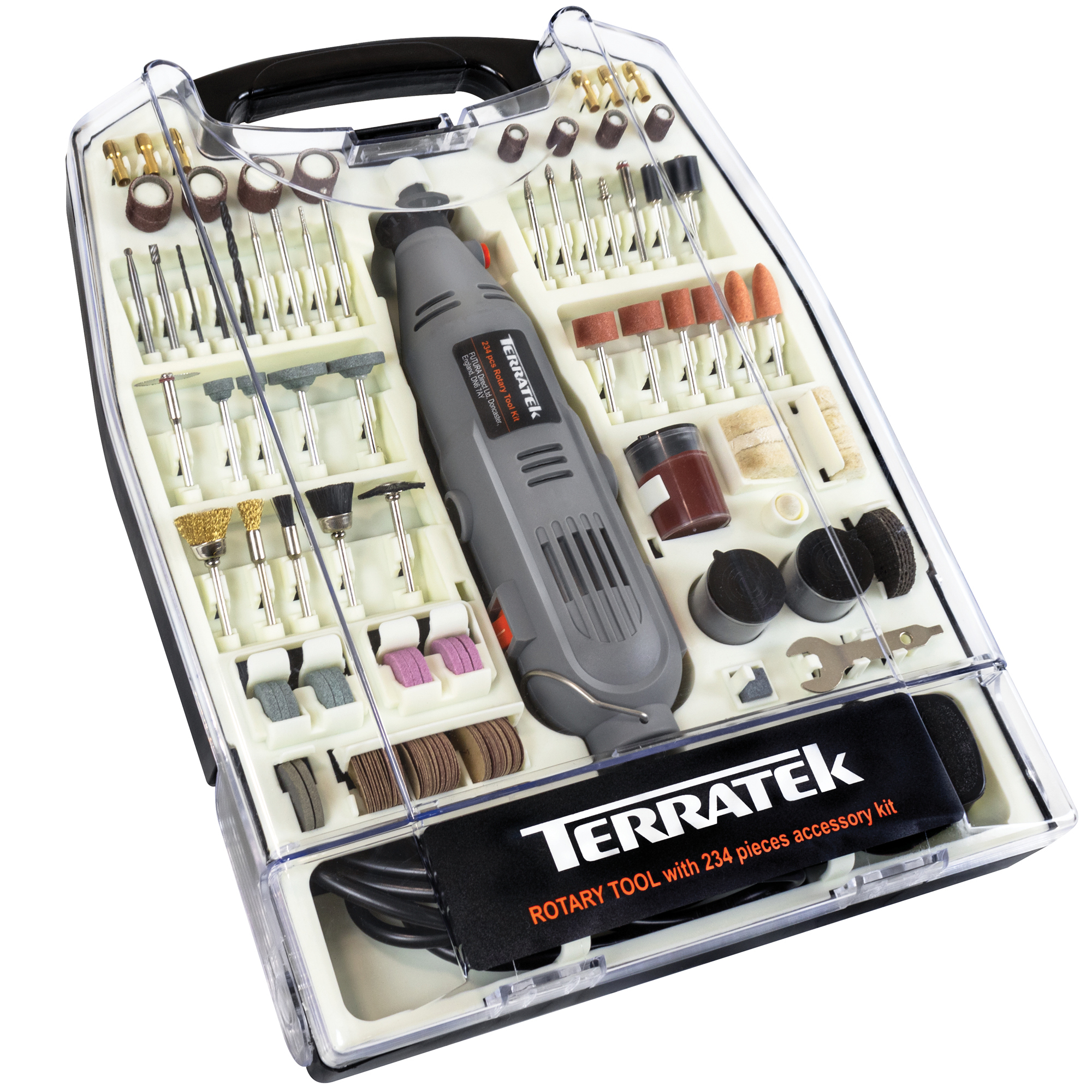
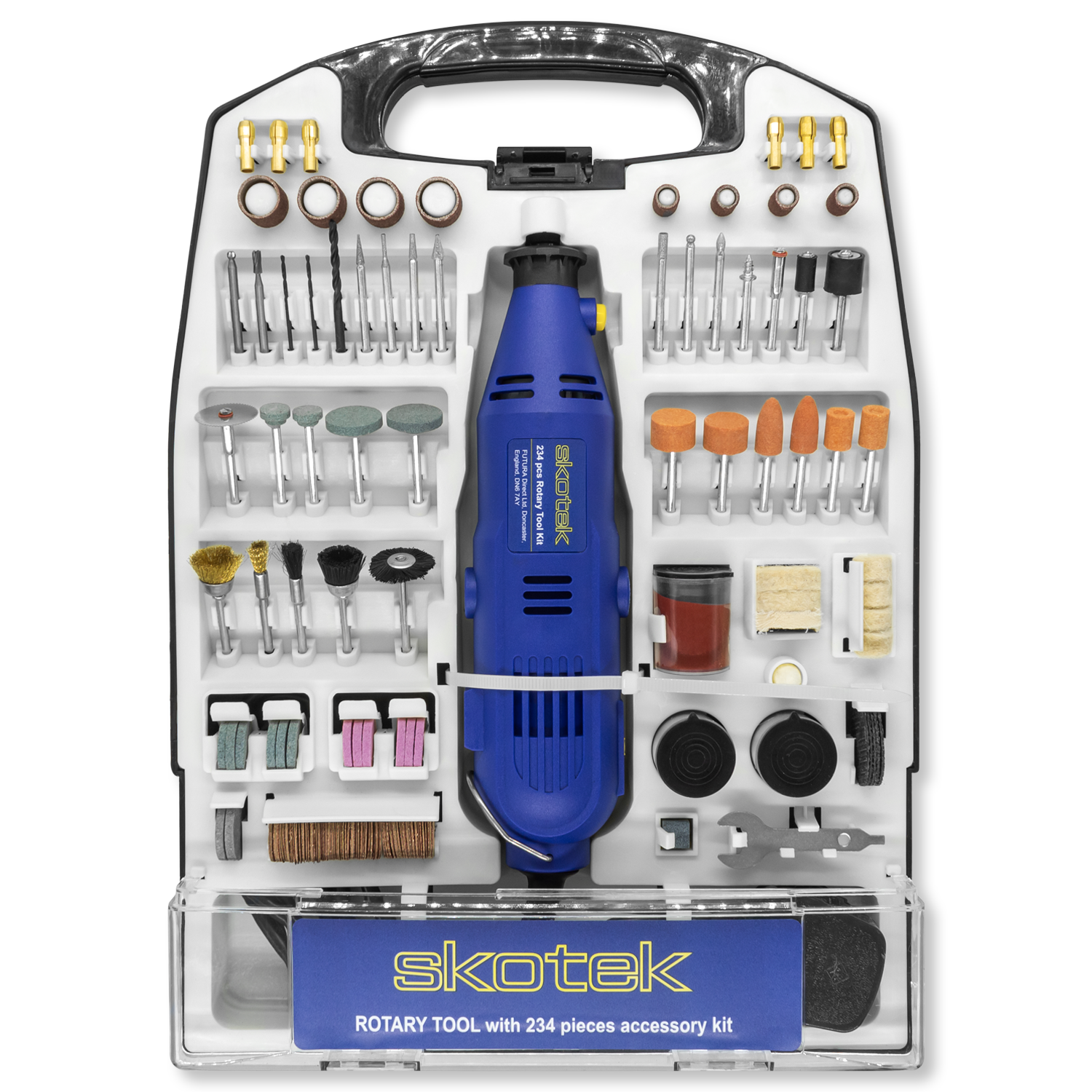
Yes a storage case is provided
Skotek Rotary Multi-Took Troubleshooting
My tool is Sparking
Power tools typically use brushed motors to convert electrical energy into the motion that drives the spinning drill bit. This type of spark, which occurs whenever the drill is running at any speed, is a normal part of the drill's operation.
My tool has no power
Please contact a member of our customer care team for assistance.
My Tool will not vary speed
If the tool will power on, but remains fixed at one speed despite adjusting the dial, then please contact our customer care team for assistance.
My shaft will not lock
If the shaft rotates even when the shaft lock is pressed, please contact a member of our customer care team for assistance.
My Tool Makes a Squealing or Whistling Sound
If the rotary tool is making unusual sounds when running, and those sounds intensify when a load is applied, this indicates faulty bearings, please contact a member of our customer care team for assistance.
My Tool Is Overheating
Check the vents on the tool to ensure that they are not covered or otherwise blocked. If the vents are not covered up but overheating persists, it is possible that dust has accumulated inside the case and must be cleaned out. If this issue repeats please check the vents and inside the case again.
I'm missing Parts/Bits from my Multi-Tool
Please contact our customer care team for assistanc
I Cannot Fit the Flexible Shaft
Remove the black plastic end cap from the tool by unscrewing this off (this is at the chuck end of the tool)
Pull the sprung metal centre out a little from the flexible shaft, insert this into the chuck, and then tighten the chuck.
Now Screw the metal cover on the flexible shaft onto the tool where the black plastic end cap was removed from.
Still require help?
Contact our customer care team at Help@futuradirect.co.uk or give us a call on (+44) 01302 540326 Mon - Fri 09:00AM - 16:00PM
{"one"=>"Select 2 or 3 items to compare", "other"=>"{{ count }} of 3 items selected"}


