
MON-FRI 9AM - 4PM
01302 540326

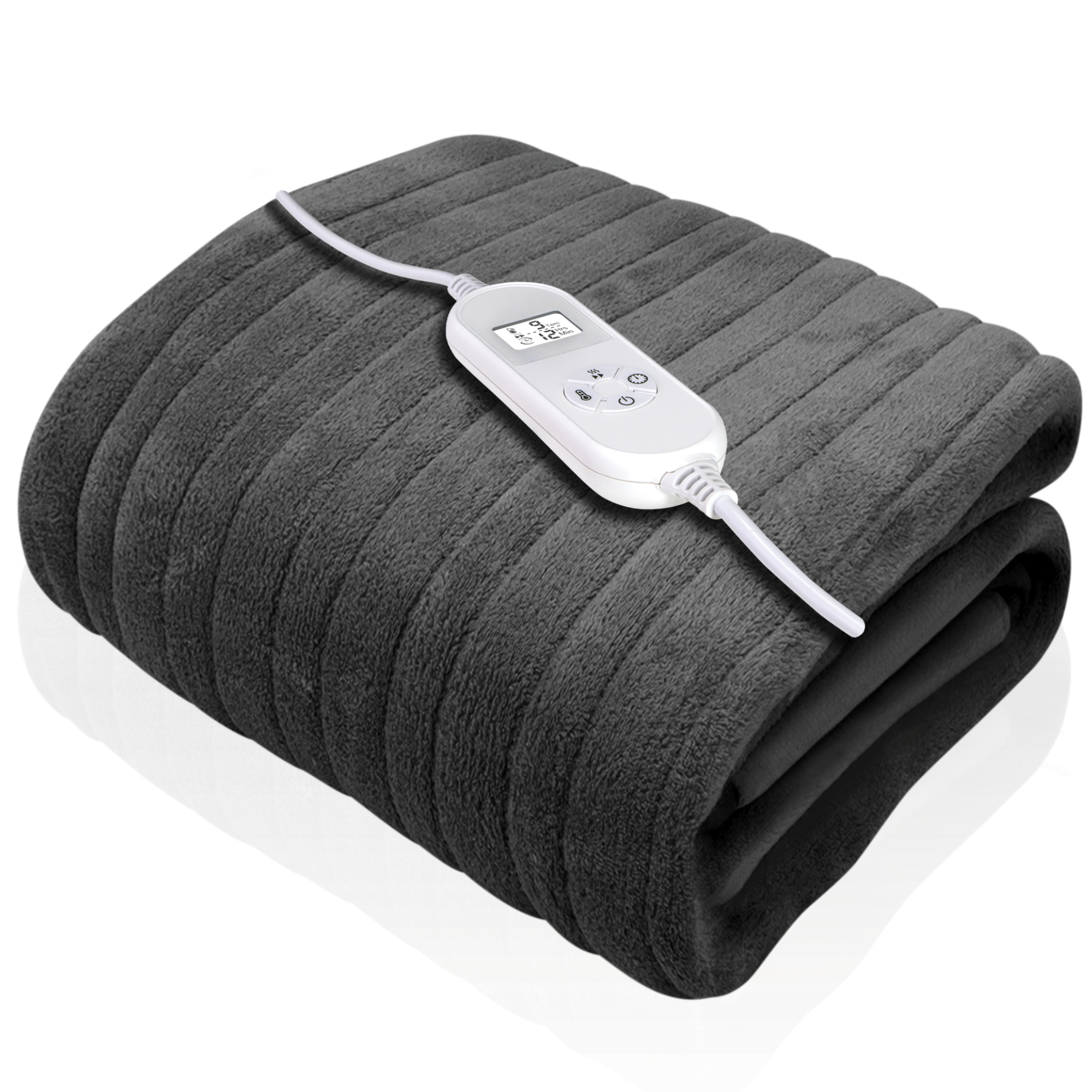
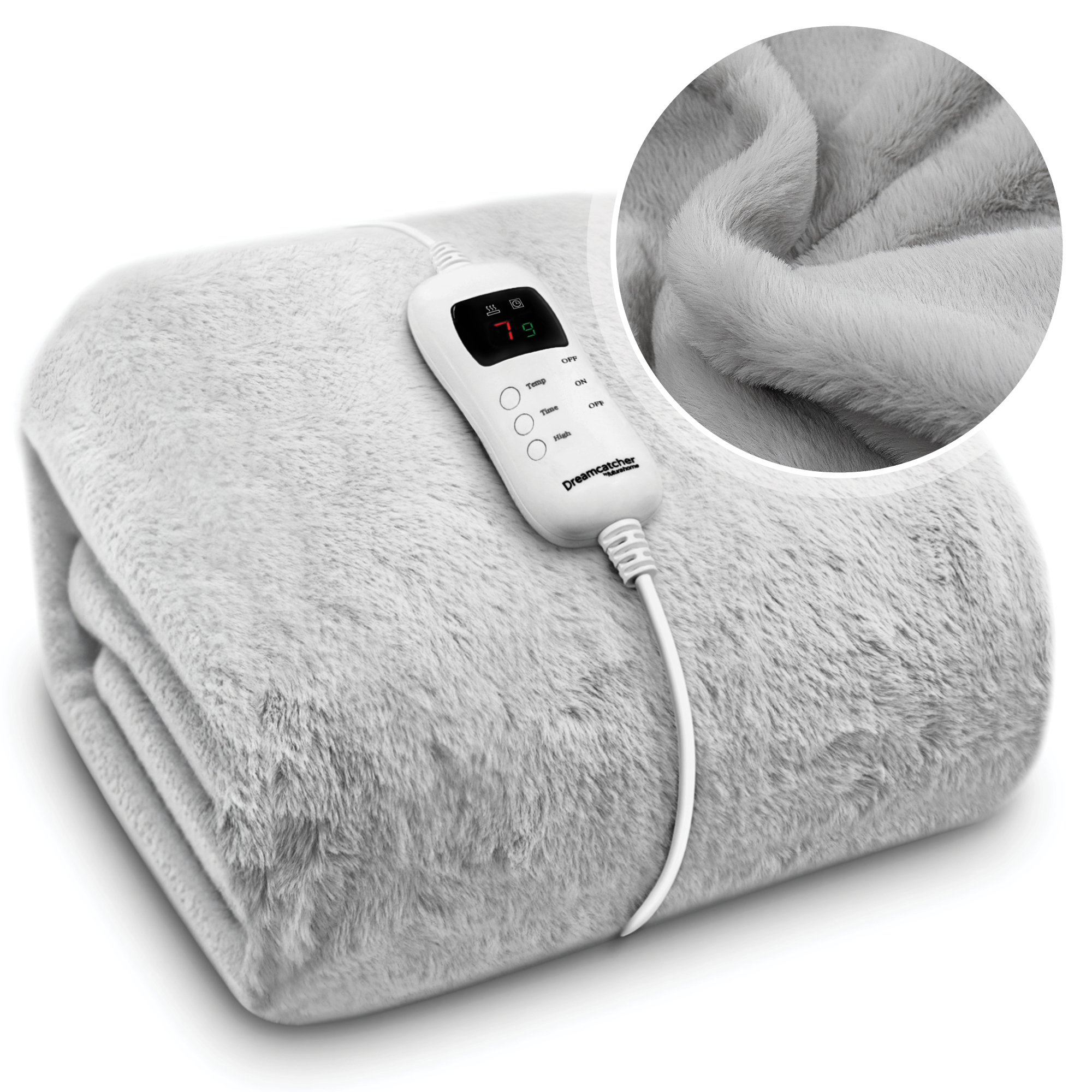
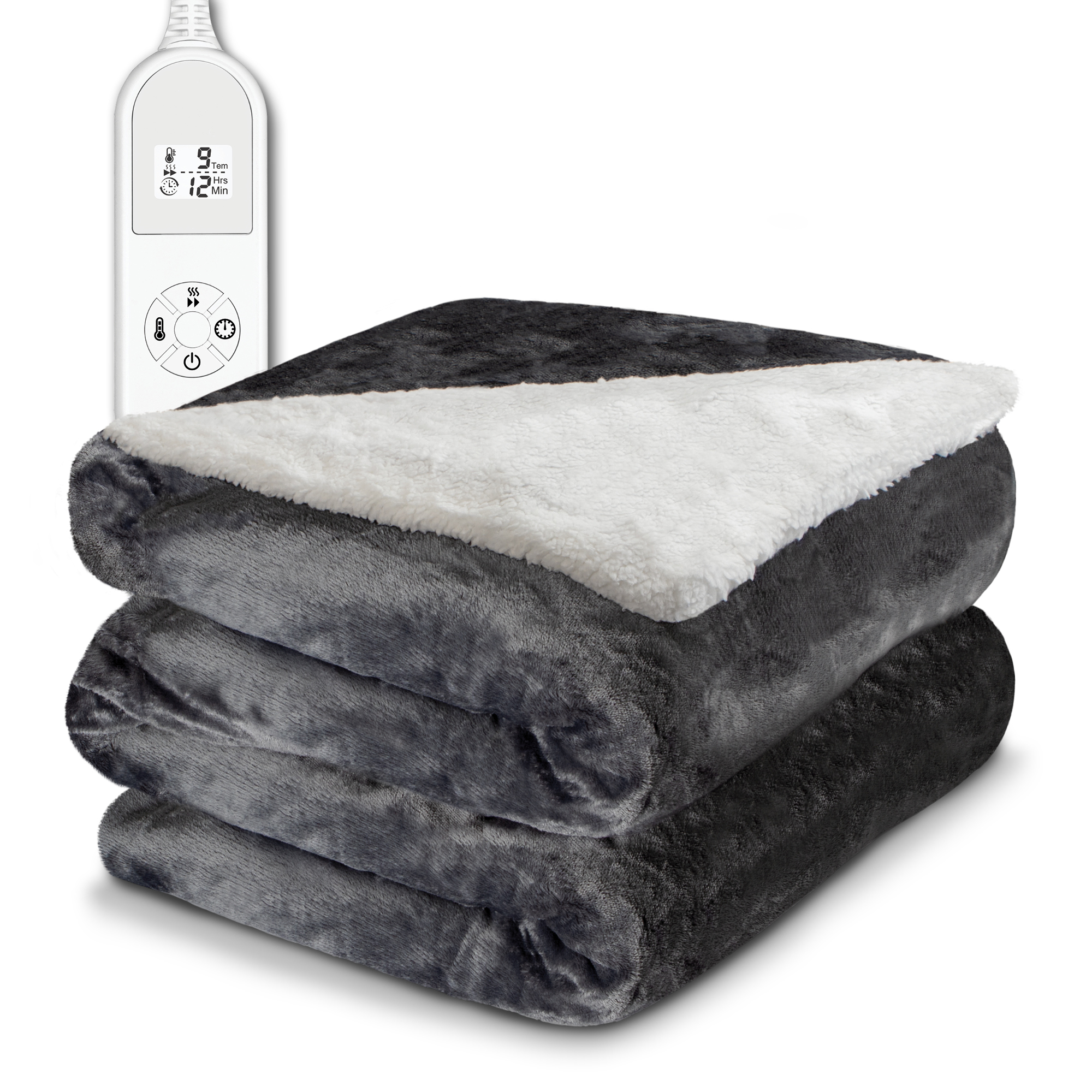
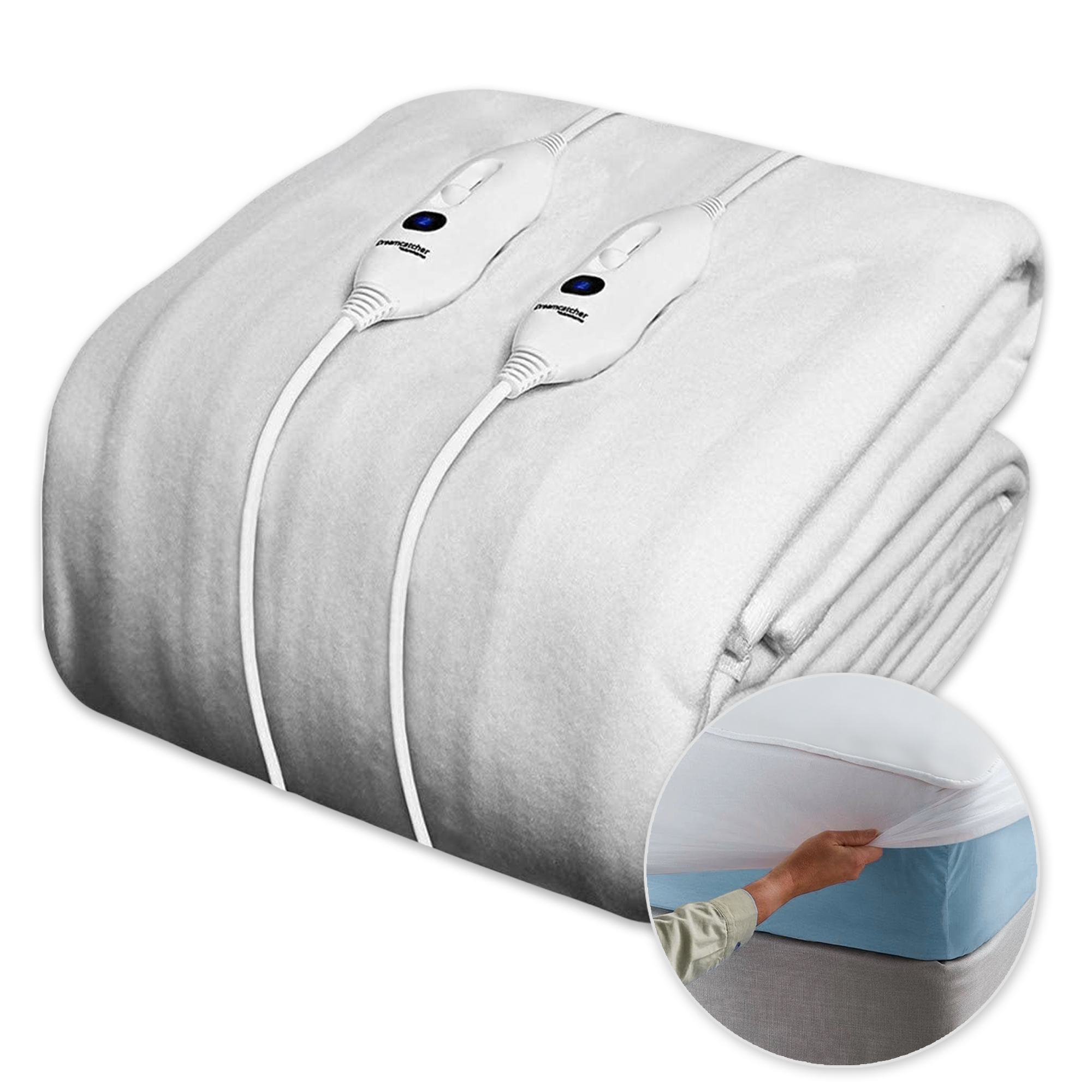

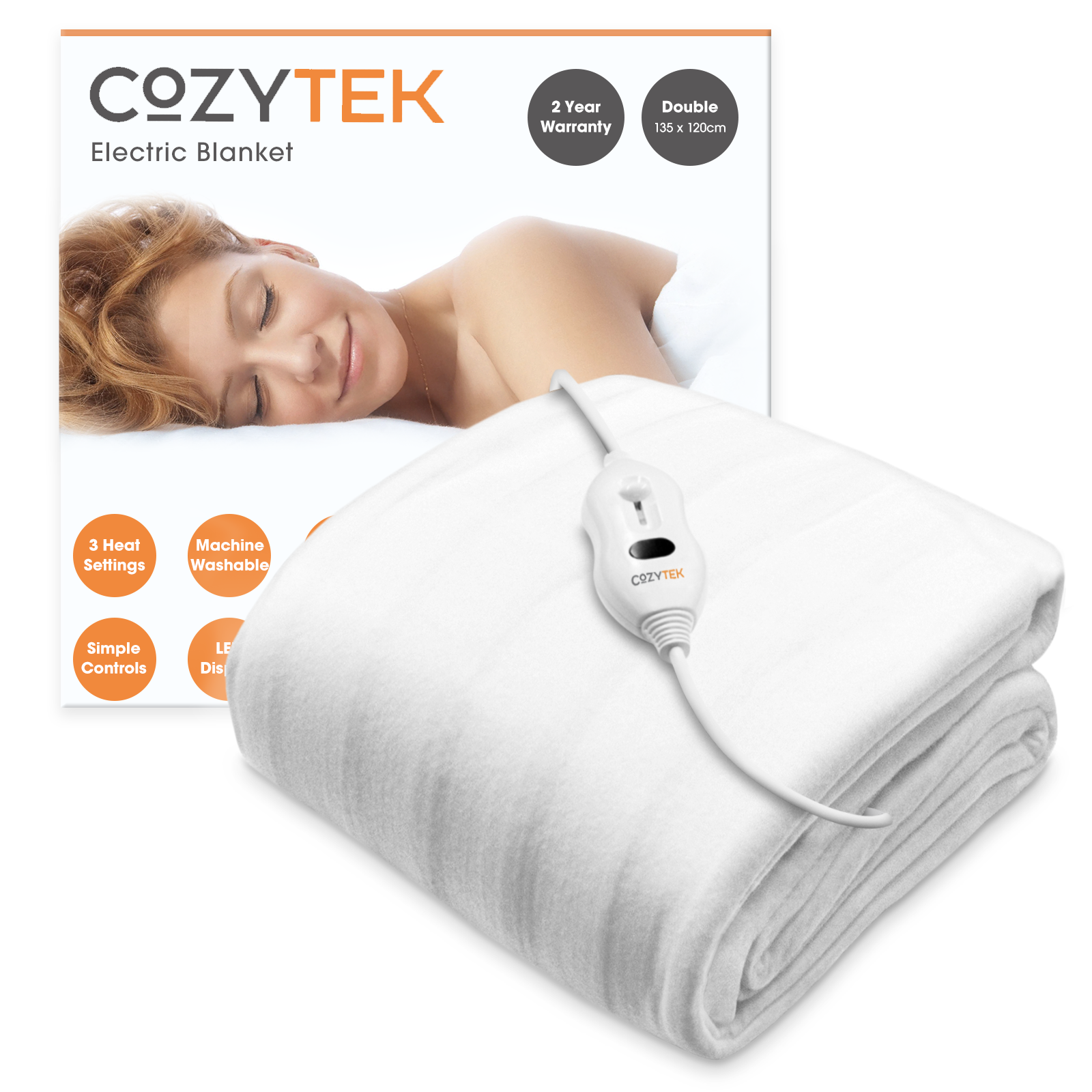
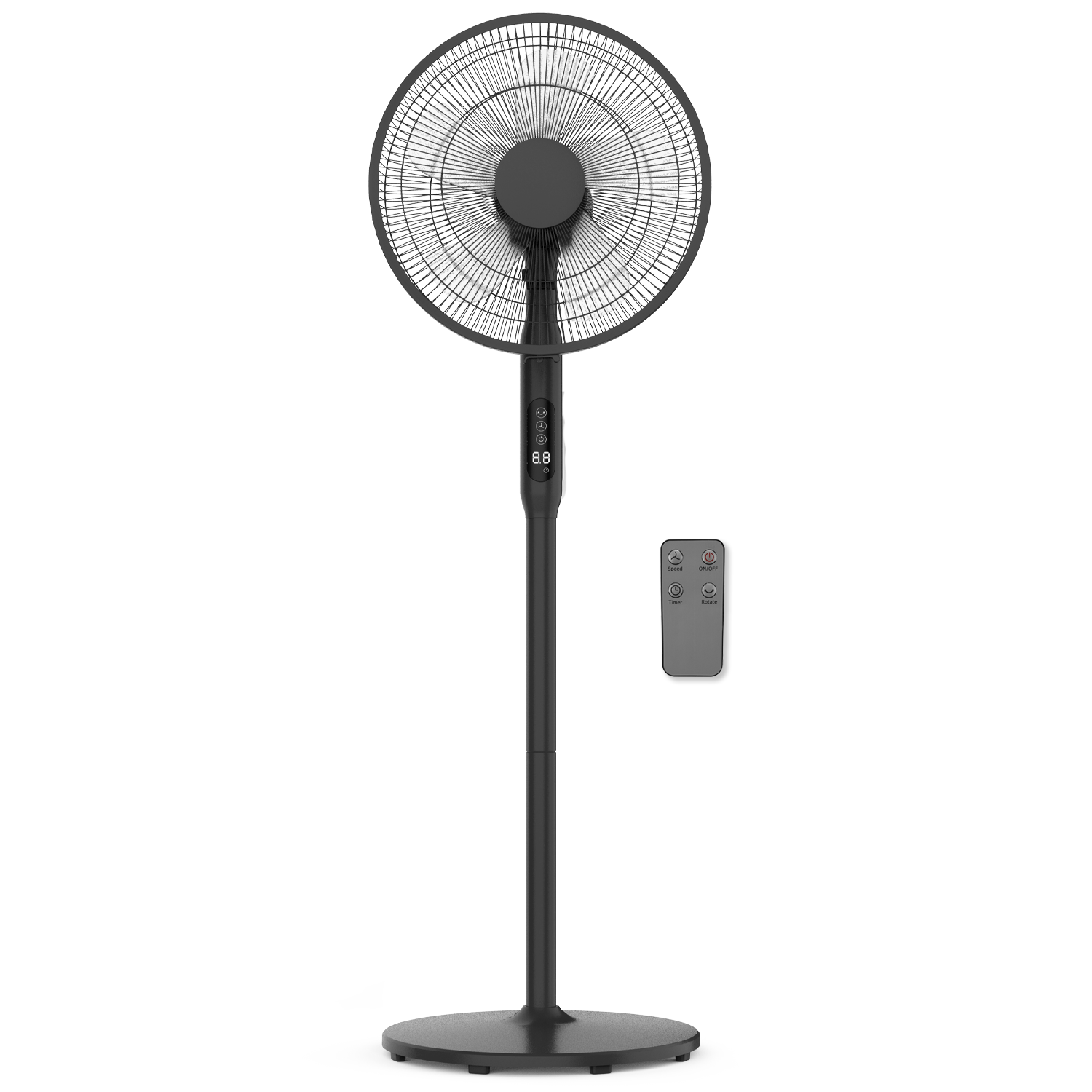

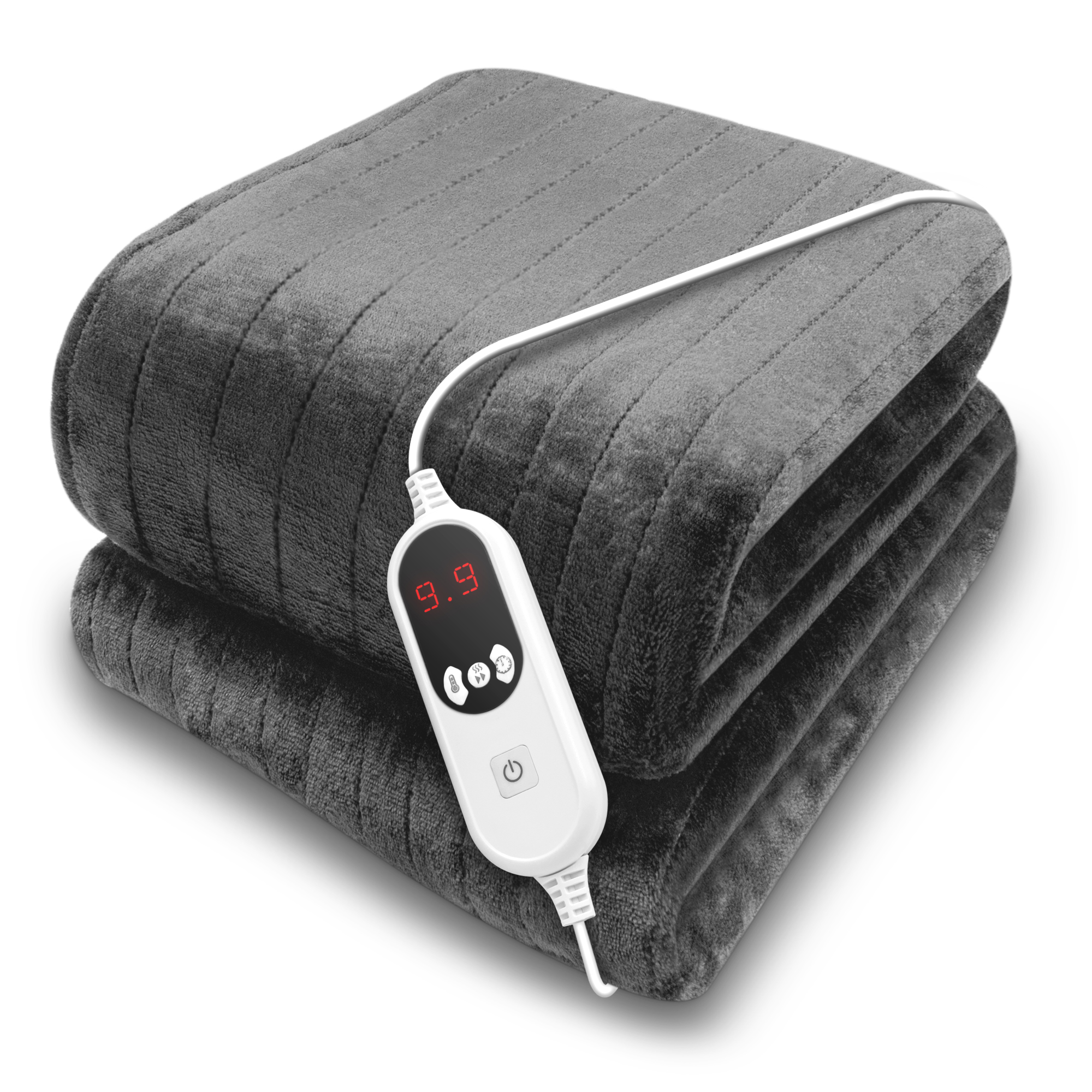
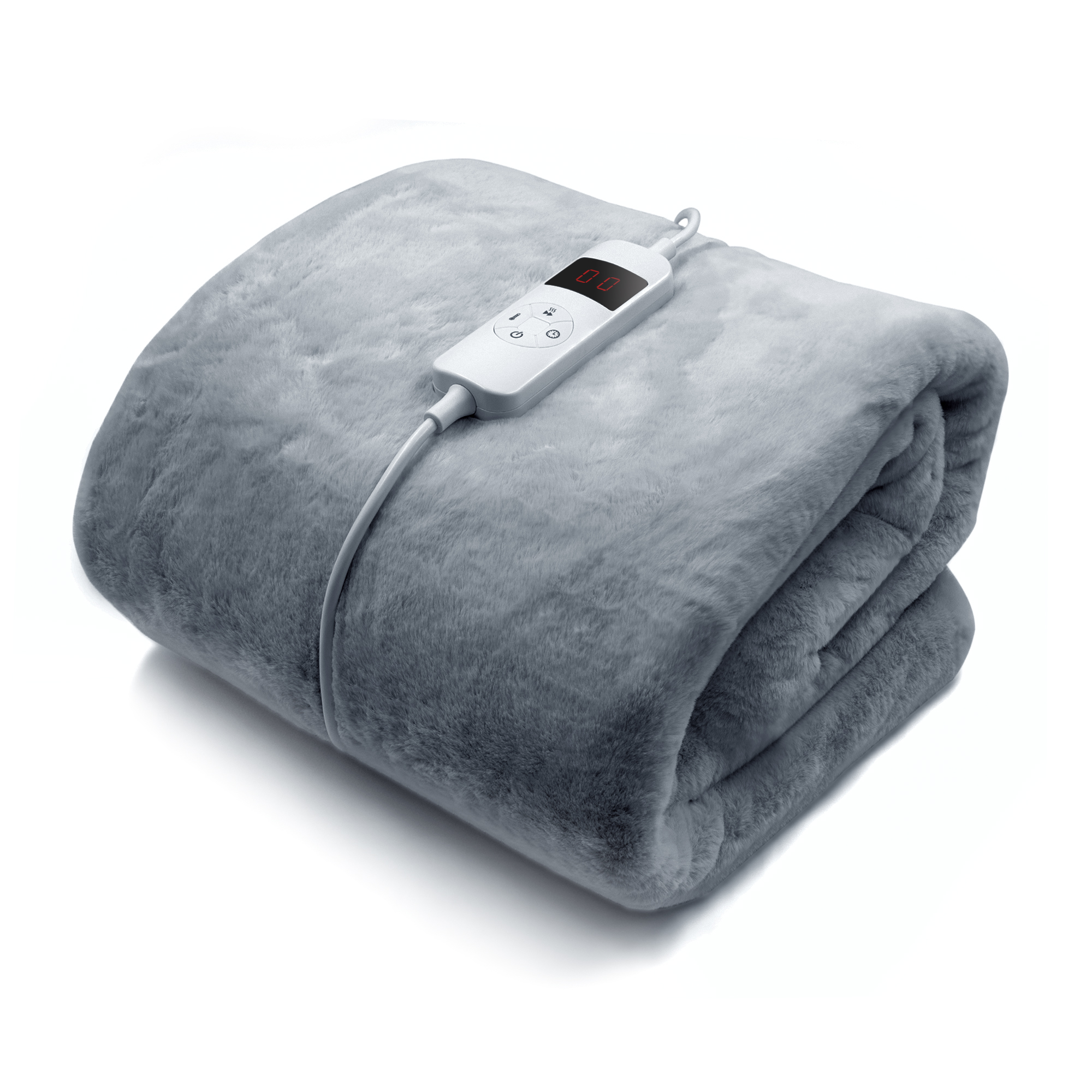
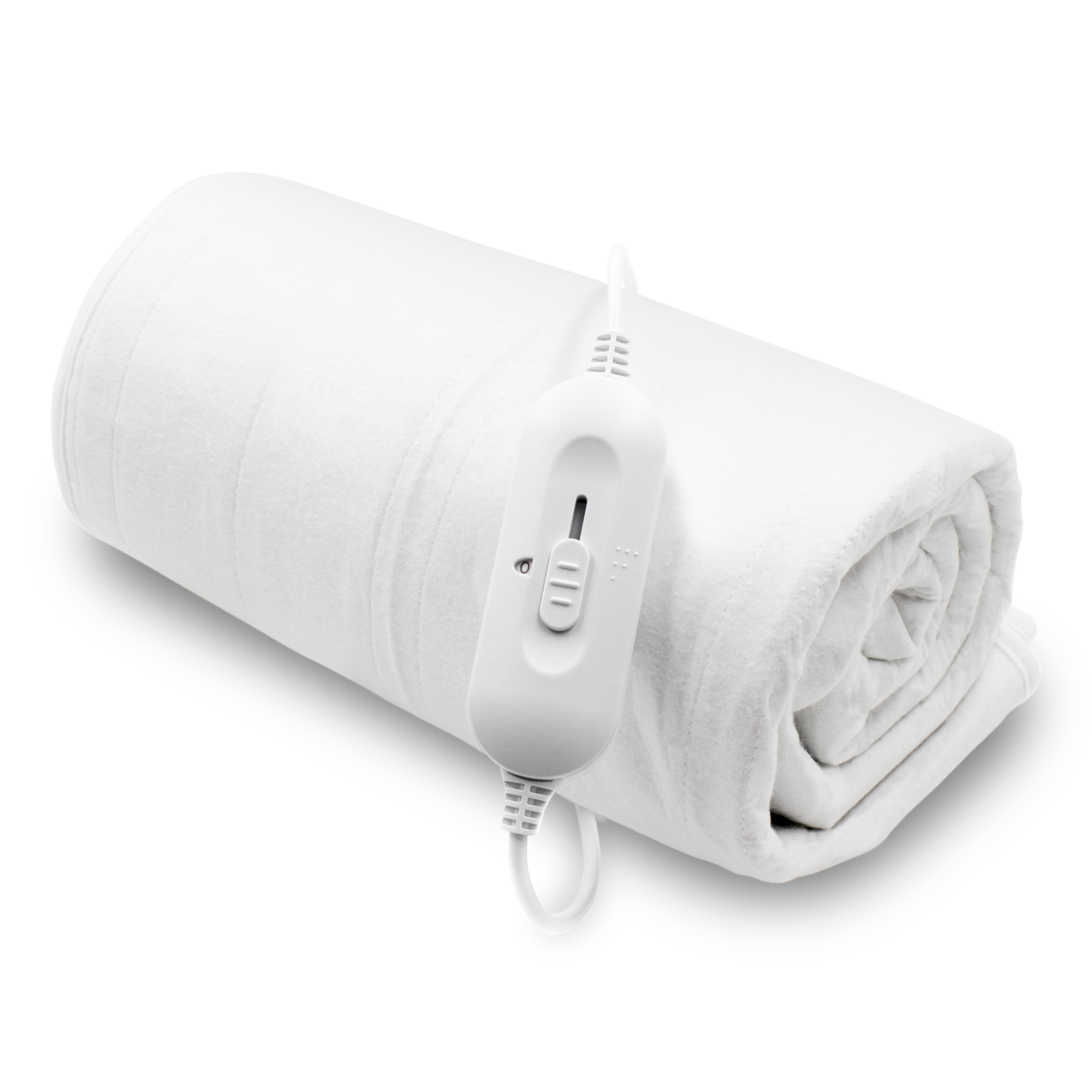









How to use my Dreamcatcher sherpa heated electric throw:
Frequently asked questions about Dreamcatcher sherpa electric throw:
How long does it take to heat up?
10-15 Minitues
How long is the power cable?
The cable is 1.5M long from power point to controller.
What is the voltage of the blanket?
120 Watts
Can the blanket be washed in the washing machine?
Yes, all you need to do is disconnect the controller from the blanket
Can this be used on a mattress under blanket and a bottom sheet?
No, this should only be used as an overthrow or wrap
Will this fit a single bed?
The size of the blanket is 160 X 120 CM
Does this have a UK plug?
Yes the blanket comes with a start 3 prong UK plug
Does the electric throw come with a timer?
Yes, the throw does have a timer you can set for 1-9 Hours
Can i leave it on overnight?
Yes you can, however it does have a timer and will switch off when the timer ends.
How much does it cost to run?
It will cost no more that 10P a night
Does the blanket have a guarantee?
Yes the blanket comes with a two year guarantee.
Dreamcatcher sherpa electric throw troubleshooting
My controller is displaying a P symbol
Unplug the controller from the power point and detach the controller from the blanket. Now reattach and turn it back on
My blanket only warms up on one side
Unfortunately the blanket is faulty, please contact our customer service team for assistance.
My blanket worked but will no longer heat up
Unfortunately the blanket is faulty, please contact our customer service team for assistance.
My Controller displays a E symbol
Unfortunately the blanket is faulty, please contact our customer service team for assistance.
My controller is displaying a FF symbol
Unfortunately the blanket is faulty, please contact our customer service team for assistance.
Still require help?
Contact our customer care team at Help@futuradirect.co.uk or give us a call on (+44) 01302 540326 Mon - Fri 09:00AM - 16:00PM
{"one"=>"Select 2 or 3 items to compare", "other"=>"{{ count }} of 3 items selected"}


